Who is the Command Suite for?
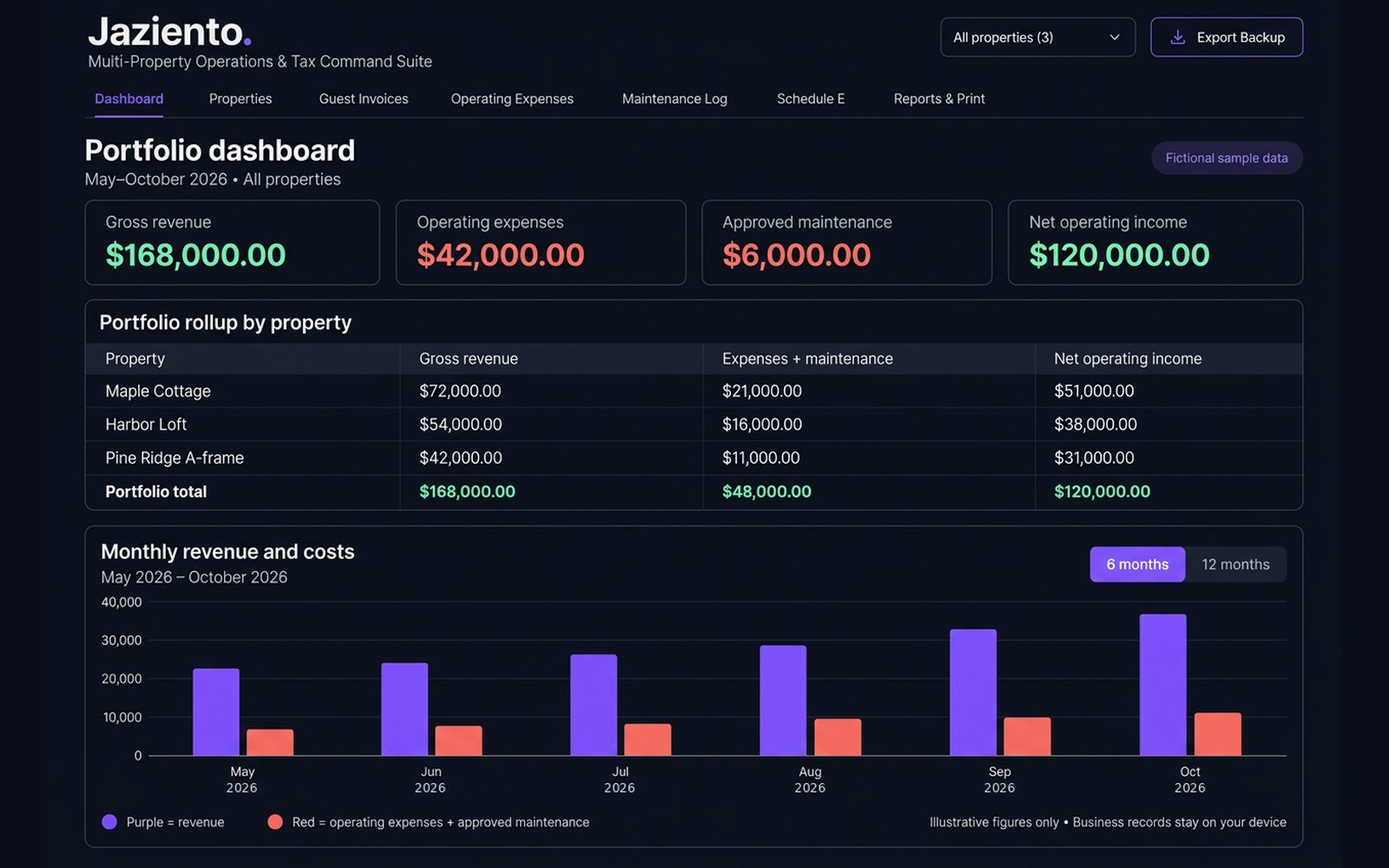
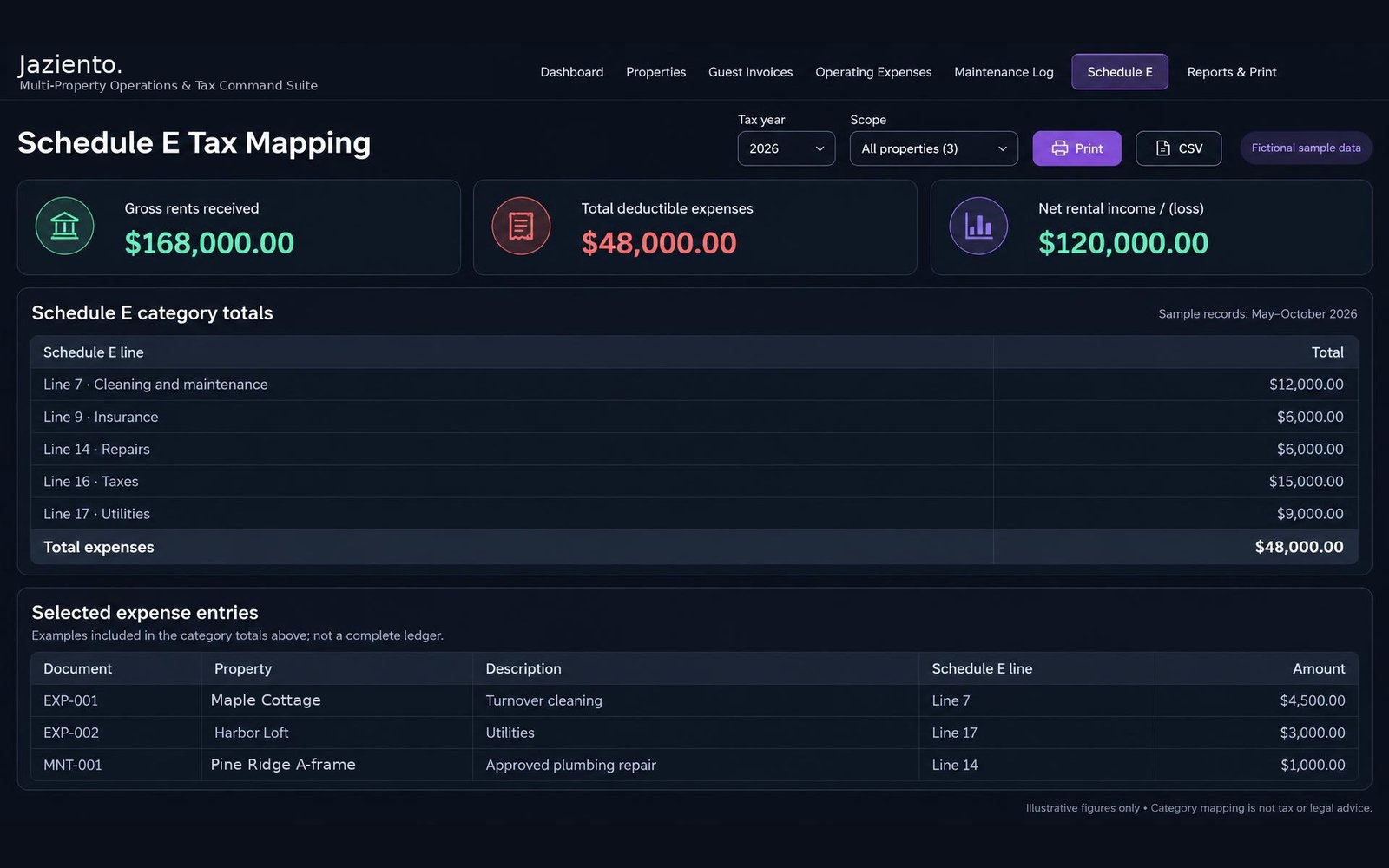
It is for independent U.S. hosts and scaling property managers with growing portfolios, from 2 to 10 properties, who want portfolio rollups and Schedule E categorization together. If you host a single property, the Single-Property Host Starter Kit covers your books.
Can I move my Starter Kit records into the Command Suite?
Yes. Export a backup file from the Single-Property Host Starter Kit and import it into the Command Suite. Your business profile, invoices, income, expenses and maintenance entries come across, and you choose whether to merge them with what is already saved or replace it. Nothing is uploaded or synced, because the file moves from your device to your device.
It is a one-time import, not an automatic sync. Entries you save in the Starter Kit after you export will not appear until you export and import again. Review your records after importing to make sure everything came across as you expect.
Does it connect to my booking platforms?
No. It works for listings on one booking platform or several, and for direct bookings, but it does not connect to any of them. You add your payouts and expenses yourself.
Can I print invoices and reports?
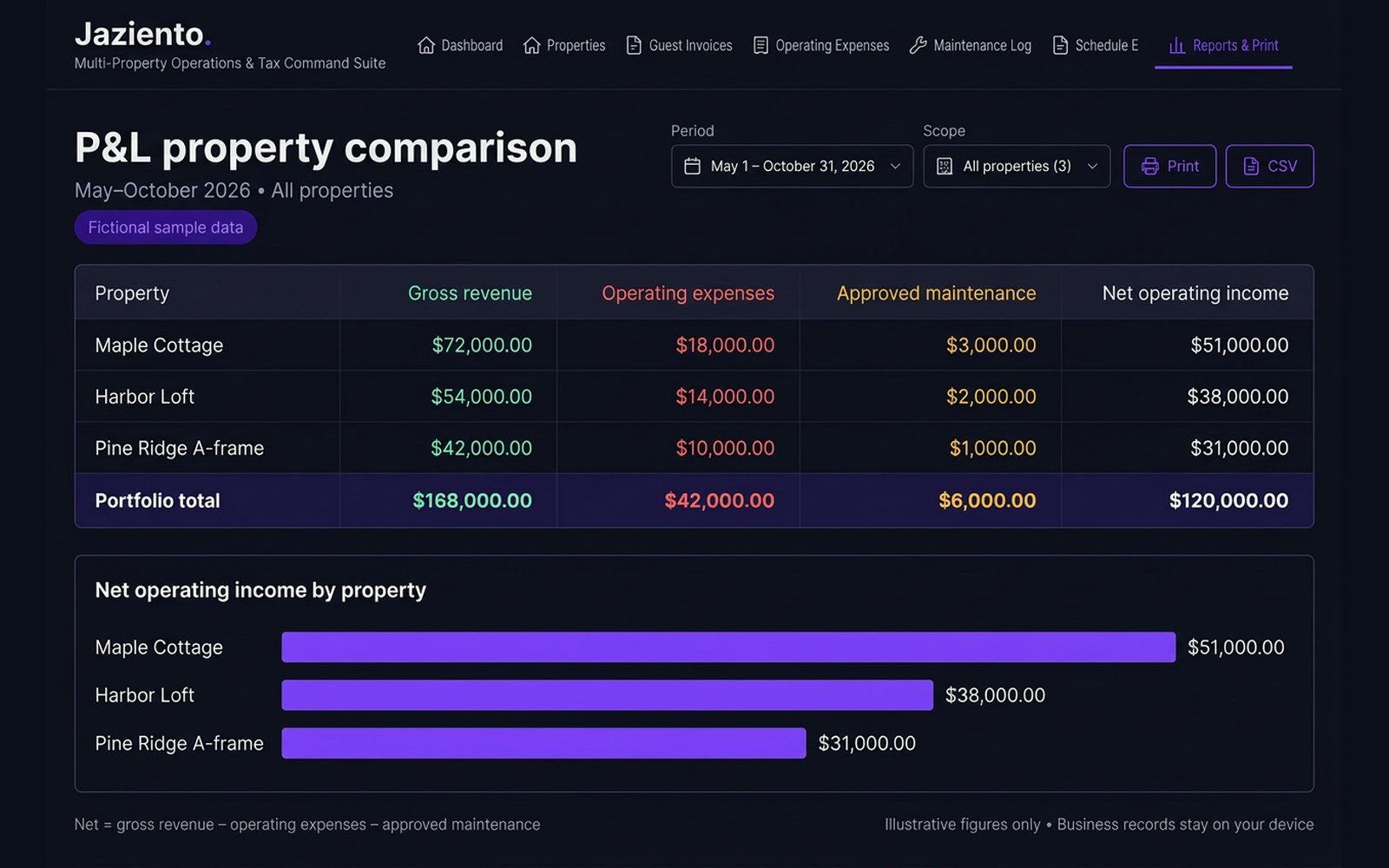
Yes. Guest invoices print as a professional invoice, with an optional EIN, due date and notes. Reports give you record lists, monthly and category summaries, and asset and property reports, filtered by document type, category, guest or vendor, invoice status and dates. A Cash basis option shows paid invoices only, and tax collected is reported separately, never added to revenue. The tax depreciation summary groups original asset costs for your accountant; it does not calculate deductions or depreciation.
Is there a money-back guarantee?
Yes. The Command Suite comes with a 7-day money-back guarantee, counted from the date of purchase. It applies to each purchase, so if you buy it more than once, you can ask for a refund on each one. Once your funds are returned, your access ends immediately. Your records stay in your own browser, so save a JSON backup first if you want to keep a copy. Questions? Write to support@jaziento.com. See the Terms of Use for details.
Does it give tax advice?
No. It is bookkeeping and organization software, and we are not accountants, CPAs, or tax preparers. Its categories, rollups, and reports help you organize records. They are not complete, and they don't guarantee your records are accurate or tell you what to report. For advice on your specific situation, please talk with a qualified tax professional.